Schmuckfotos — mit dem Funkeln intakt
Lade ein Foto von Ring, Kette oder Ohrringen hoch. imagvero erzeugt Aufnahmen am Model, Makro-Details und saubere Katalogbilder, die Metallton, Steine und Finish exakt erhalten.
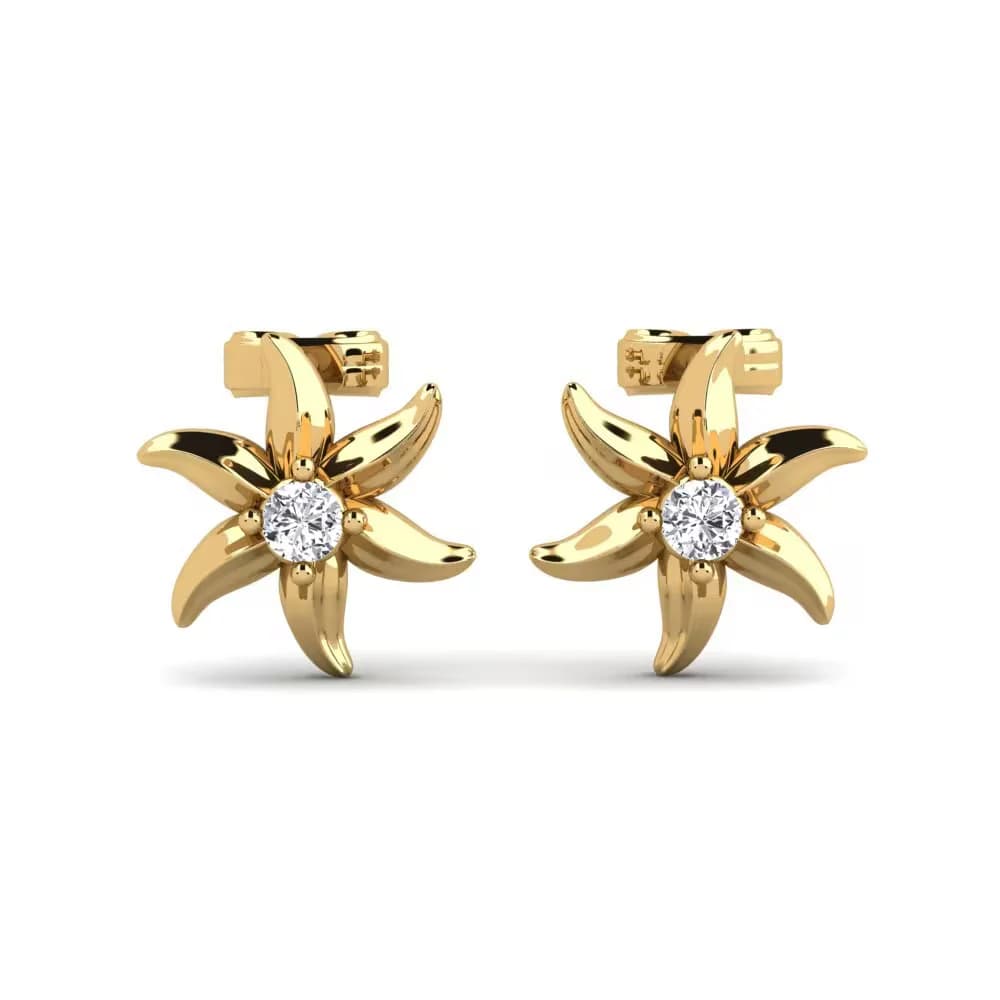
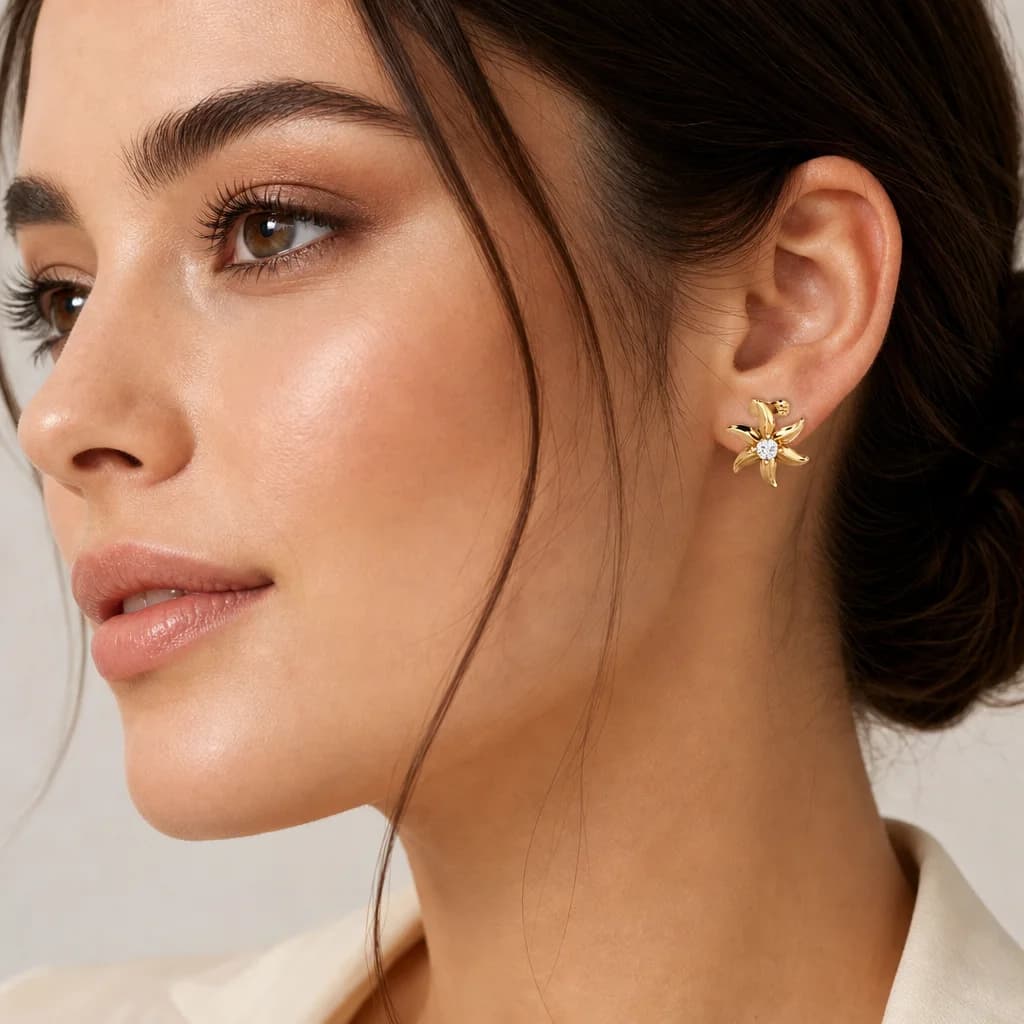
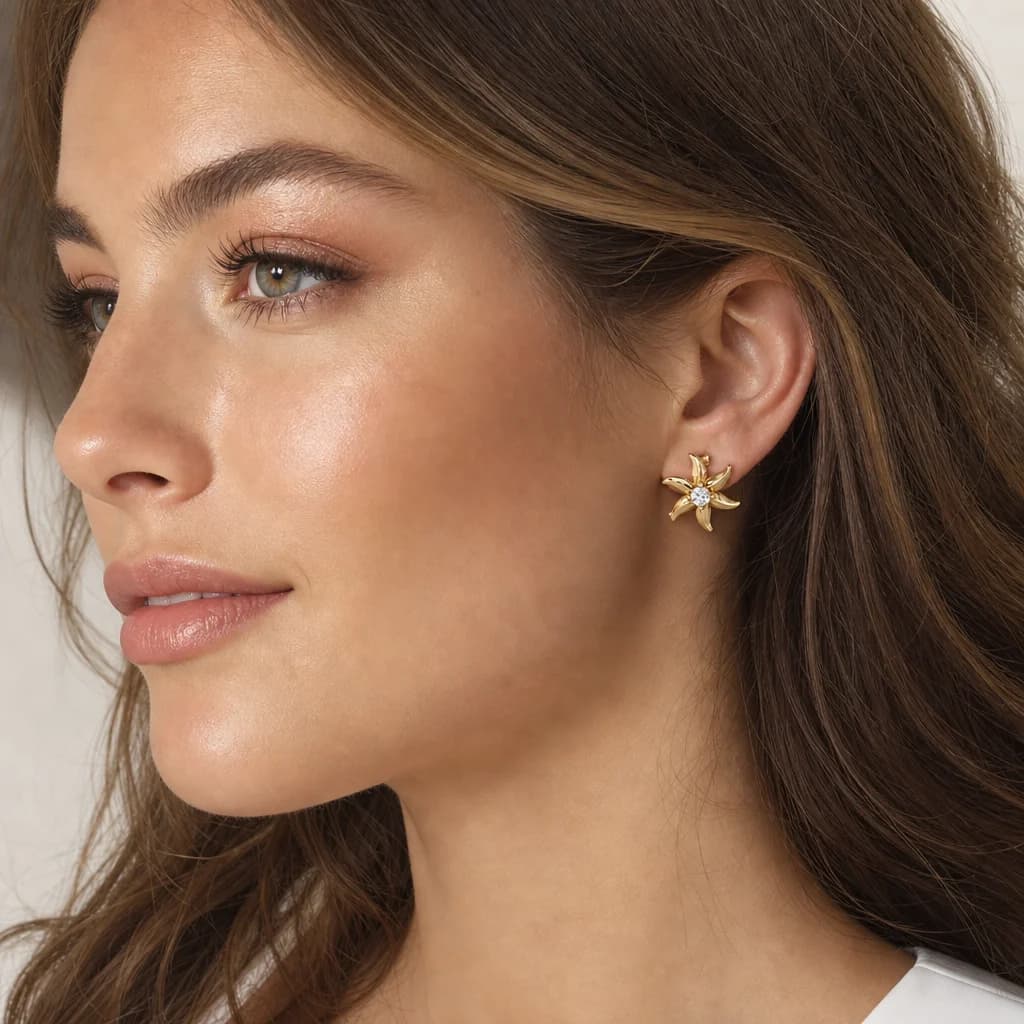
Schmuck ist die schwierigste Kategorie. Winzige Stücke brauchen Makroobjektive und sorgfältiges Licht, um das Funkeln einzufangen; Metallton und Steinfarbe müssen exakt stimmen, sonst folgen Retouren; und Aufnahmen am Model — Ring an der Hand, Ohrringe am Ohr — verlangen meist ein Handmodel und ein Studio. Langsam und teuer für Stücke, die oft in kleinen Mengen verkauft werden.
imagvero macht aus einem Foto ein komplettes Set. Aus einer einzigen Aufnahme entstehen in Minuten Bilder am Model, Makro-Details und saubere Katalogbilder mit weißem Hintergrund. Metallton, Steinfarbe, Schliff und Finish stammen direkt aus deinem Foto, sodass das Listing dem Stück in der Schachtel entspricht — bis zum Funkeln.
Was du erstellen kannst
Aufnahmen am Model
Zeig das Stück getragen — Ring an der Hand, Kette am Hals, Ohrringe am Ohr — für Größe und Styling.
Makro & Funkel-Detail
Heran an Steine, Fassungen und Gravur, damit Verarbeitung und Brillanz unverkennbar sind.
Katalog auf Weiß
Saubere, gleichmäßige Produktbilder, die den Marktplatz-Vorgaben genügen — der Hintergrund wird exakt auf RGB 255 gezwungen, damit nichts an einem gräulichen Weiß scheitert.
Lifestyle-Szenen
Inszeniere das Stück in einem stimmigen Setting, das zeigt, wo und wie es getragen wird.
Kollektions-Sets
Erzeuge ein einheitliches Set über eine Kollektion, damit alle Stücke auf der Seite zusammenpassen.
So funktioniert es
- 01
Ein Foto hochladen
JPG, PNG, WEBP oder AVIF bis 25 MB. Jeder Hintergrund geht — was hinter deinem Produkt liegt, wird ersetzt, nicht ausgeschnitten.
- 02
Aufnahmetyp wählen
Weißer Hintergrund, am Modell, Lifestyle oder Nahaufnahme — deine Produktkategorie wird erkannt und das Ergebnis darauf abgestimmt.
- 03
In Minuten herunterladen
Bis zu vier Varianten pro Anfrage, bereit für deine Website, Anzeigen oder Marktplätze.
Warum imagvero für Schmuck
Originalgetreu
Metallton, Steinfarbe, Schliff und Finish bleiben aus deinem Foto erhalten — Genauigkeit, die Retouren senkt.
Makro und am Model in Minuten
Spar dir Makro-Setup und Handmodel; Detail- und Trageaufnahmen sind am selben Tag fertig.
Ein Credit pro Bild
Ein einziger Credit pro Aufnahme ersetzt Honorare für Schmuckfotografie — bei jeder Kataloggröße.
Verkaufst du etwas anderes?
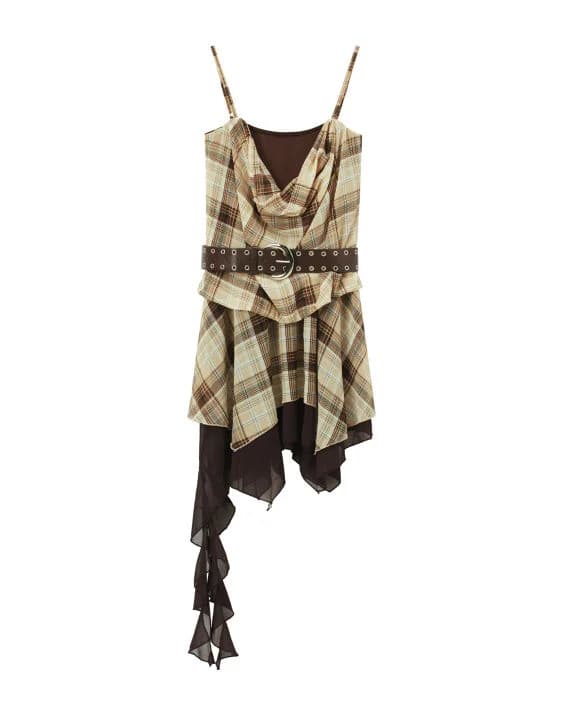
Schmuck ist nur ein Beispiel – imagvero funktioniert mit jedem Produkt: Accessoires, Wohnen, Elektronik, Beauty und mehr. Lade deins hoch und sieh selbst.
Mit deinem Produkt testenFragen, beantwortet
Stimmen Metallton und Steinfarbe genau?
Ja. imagvero übernimmt Metallton, Steinfarbe, Schliff und Finish aus deinem Ausgangsfoto, sodass das Listing dem echten Stück entspricht — wichtig, um Retouren niedrig zu halten.
Werden feine Details und das Funkeln eingefangen?
Aus einem scharfen Ausgangsfoto erzeugt imagvero Makro-Close-ups, die Steine, Fassungen und Gravur mit realistischer Brillanz herausarbeiten.
Bekomme ich Ring an der Hand oder Ohrringe am Ohr ohne Model?
Ja. imagvero setzt das Stück in natürlichen Posen an Hand, Ohr oder Halslinie — ohne Handmodel oder Studio.
Erstellt ihr Katalogbilder auf Weiß?
Ja. Du kannst saubere, gleichmäßige Aufnahmen auf Weiß erzeugen, die Marktplatz-Vorgaben erfüllen — neben Bildern am Model und Lifestyle-Aufnahmen.
Darf ich die Bilder für Ads und Marktplätze nutzen?
Ja — in jedem Plan, auch im kostenlosen. Du erhältst eine kommerzielle Lizenz für die generierten Bilder, Downloads sind ohne Wasserzeichen, und Export-Vorlagen bringen jedes Bild auf das Format, das Etsy oder Amazon verlangen.

Schmuckfotos — mit dem Funkeln intakt
Lade ein Foto von Ring, Kette oder Ohrringen hoch. imagvero erzeugt Aufnahmen am Model, Makro-Details und saubere Katalogbilder, die Metallton, Steine und Finish exakt erhalten.
Erstelle dein erstes Bild gratis