Generating Pure White Background Images from Product Photos in 2026: Which Apps Work Best? Five Tools Compared
Photoroom, imagvero, Pixelcut, remove.bg and Adobe Express compared on white-background quality, ease of use, batch processing, multi-angle generation and price — so you can see which one fits your product images.
If you sell on Amazon, Shopify, Etsy, your own site or social media, the white-background product photo is just about the most basic image you need.
The problem is that shooting one yourself is not as simple as it sounds.
Even with a white backdrop ready, what you actually get often has a greyish background, heavy shadows, uneven light or messy edges. In the past that usually meant taking it into Photoshop for further work.
Today, AI tools have simplified this process enormously. Upload an ordinary product photo, the system detects the product automatically and removes or regenerates the background, and you get a reasonably clean white-background product image.
These tools do fall into two categories, though:
The first are background-handling tools, focused on removing the background of an existing image or replacing it with white.
The second are product image generators, which produce the white-background image and can also generate new angles, scenes or marketing images from the original product photo.
So "which one is best" depends mostly on what you specifically need.
This article compares five fairly representative tools:
- Photoroom
- imagvero
- Pixelcut
- remove.bg
- Adobe Express
The comparison covers white-background quality, ease of use, batch processing, product fidelity, multi-angle generation and price.
The conclusion first: how to choose between the five
| Tool | Better suited to |
|---|---|
| Photoroom | Producing standard white-background images quickly, for many products |
| imagvero | White backgrounds, multi-angle white backgrounds and wider product visuals |
| Pixelcut | Handling product images quickly on a phone |
| remove.bg | Simply removing a background, fast |
| Adobe Express | Carrying on into ads and design once the white background is done |
There is no absolute number one here. The difference lies in which problem each is good at solving.
1. Photoroom: mature at standard e-commerce white backgrounds
If your main need is:
I have a lot of existing product photos and I want them all on a white background quickly.
Photoroom is one of the more mature choices available.
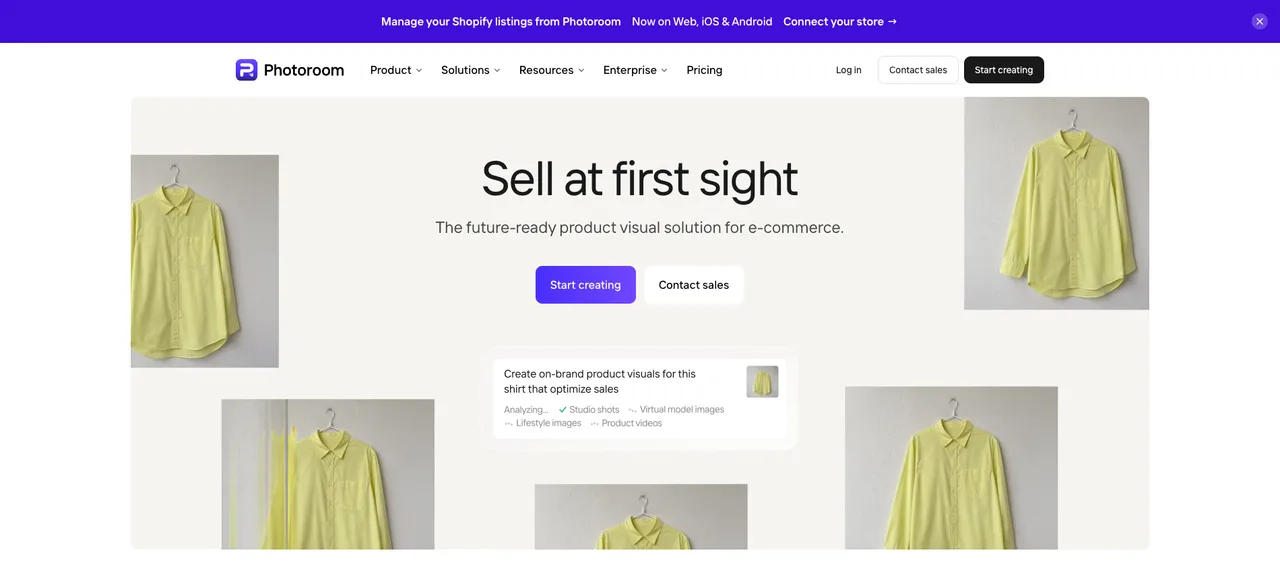
Its workflow is very direct:
Upload the image → the product is detected automatically → the background is removed → white is put in its place.
For shoes, bags, bottles and jars, electronics and most ordinary products, subject detection and edge handling are fairly stable. It also supports natural shadows and batch processing, which makes it especially suitable for e-commerce sellers with a lot of SKUs who need a consistent catalog style.
Strengths
- Mature, stable white-background processing
- Good edge detection
- Batch processing supported
- Suited to standardised e-commerce product images
Limitations
Its strongest scenario is still processing images you already have. If you want to generate more angles or more kinds of product visual from a small number of originals, that advantage is less pronounced than the bulk white-background work.
Price
There is a free version and several paid plans; Pro usually starts at around $9.99/month.
Good fit for: sellers with a lot of SKUs whose main need is standard e-commerce white-background images.
2. imagvero: beyond white backgrounds, it also generates multi-angle white-background images
imagvero is positioned a little differently from a traditional background remover: it leans towards generating new product images from the original product photo.
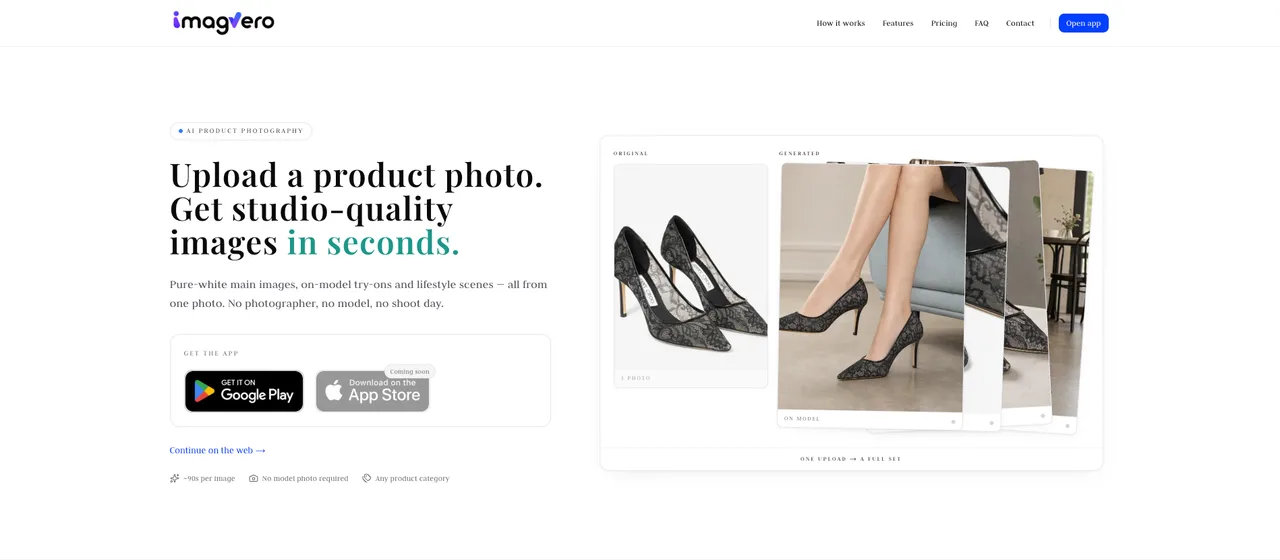
As well as producing a pure white-background product image directly, it can generate multi-angle white-background images of the same product — different sides, or different display angles, for example.
That is useful for sellers who have few original product photos but need more images for the product page.
It is also fairly simple to operate:
Upload the product image → choose a generation option → click generate.
You do not need to write prompts yourself, and there is no complicated cutting out, layering or background editing.
Strengths
- Supports ordinary white-background images
- Supports multi-angle white-background product images
- Simple to use, with a low learning curve
- Emphasis on product fidelity
- Can be extended to scene images and other product visuals
Limitations
If all you need is bulk background removal across a few thousand existing product photos, a professional batch cut-out tool may be more direct.
Price
There is a free version plus several tiers of paid plan; paid plans start from Starter at $9.9/month.
Good fit for: small and mid-size sellers who want white-background, multi-angle and wider product visuals generated from relatively few original photos.
3. Pixelcut: a very good experience on a phone
Pixelcut is another popular AI product-image tool, characterised by its light-touch operation and a good mobile experience.

Its white-background flow is extremely direct:
Upload the image → Remove Background → choose a white background → export.
For common products such as clothing, shoes, bags and packaging boxes, both speed and results are good. If you often shoot and process product images on a phone, Pixelcut will feel comfortable.
Strengths
- Simple to operate
- Very good mobile experience
- Fast white-background generation
- Some batch-processing capability
Limitations
With transparent, reflective or very intricately outlined products, you need to check the edges more carefully. Overall it is positioned as a lighter-weight tool.
Price
There is a free version; the Pro plan usually starts at around $10/month.
Good fit for: individual sellers, small Shopify / Etsy shops and mobile users.
4. remove.bg: if you only want the background gone, it is still very good
remove.bg is the easiest of these tools to understand.

It mainly solves one thing:
Removing the background.
Upload a product photo and the system detects the subject automatically and produces a transparent-background image; set the background to white and you have an ordinary white-background image.
Its advantage is precisely that it is simple. If you have no need to generate new scenes, new angles or marketing images, a single-purpose tool like this is actually very efficient.
Strengths
- Extremely simple to operate
- Fast background removal
- Mature API
- Well suited to basic background work
Limitations
Its features are concentrated on background removal. If you need multi-angle product images, scene images or other marketing material, you will have to move on to another tool.
Price
There is a free route; high-resolution images are usually charged by subscription or by number of images.
Good fit for: users who only need a background removed quickly, or who need a background-removal API.
5. Adobe Express: better suited to designing after the white background
Adobe Express is a little different from the products above.
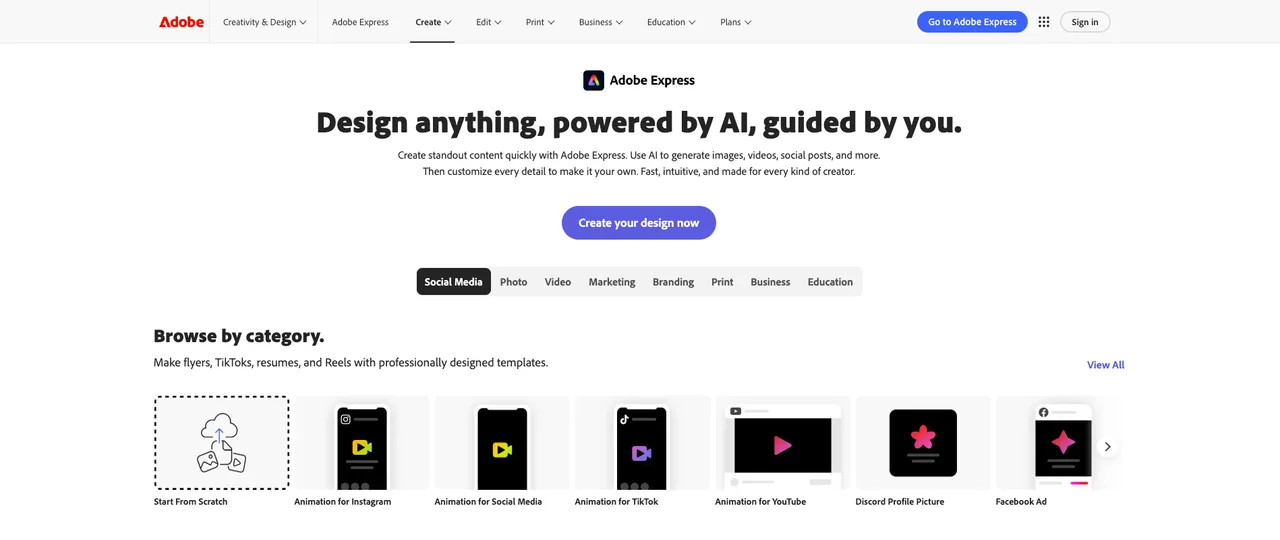
It is first of all an all-round design tool, which also offers image capabilities such as Remove Background.
That makes it suitable for this kind of workflow:
Remove the product background → set a white background → add a logo, text or promotional message → output ad material.
If the white-background image is only the first step of an entire design process that ends in Instagram, Facebook or banner marketing content, Adobe Express is convenient.
Strengths
- White backgrounds and design in one place
- A rich template library
- Suited to advertising and social media material
- A fairly complete Adobe ecosystem
Limitations
If your main daily work is processing large volumes of product images, it is not as focused as a dedicated e-commerce product-image tool.
Price
There is a free version; Premium is usually around $9.99/month.
Good fit for: users who need to carry on making marketing content once the white-background product image is done.
The five tools side by side
| Tool | White background | Ease of use | Batch | Multi-angle on white | Wider product visuals | Starting price |
|---|---|---|---|---|---|---|
| Photoroom | ★★★★★ | ★★★★☆ | ★★★★★ | ★★★☆☆ | ★★★★☆ | ~$9.99/mo |
| imagvero | ★★★★★ | ★★★★★ | ★★★☆☆ | ★★★★★ | ★★★★★ | Free / from $9.9 |
| Pixelcut | ★★★★☆ | ★★★★★ | ★★★★☆ | ★★☆☆☆ | ★★★★☆ | ~$10/mo |
| remove.bg | ★★★★☆ | ★★★★★ | ★★★★☆ | ★☆☆☆☆ | ★☆☆☆☆ | Free / pay as you go |
| Adobe Express | ★★★★☆ | ★★★★☆ | ★★★☆☆ | ★★☆☆☆ | ★★★★☆ | ~$9.99/mo |
In summary, which is worth choosing?
Choosing a white-background tool today is no longer only about comparing "whose cut-out is cleanest".
What matters more is working out what you actually need first:
Do you just want existing photos put on a white background, or do you want to generate more usable product material from the photos you have?
If you have a lot of SKUs and simply want existing product photos standardised onto white quickly, Photoroom is the more mature choice.
If you do not have many original product photos and you want different-angle white-background product images as well as the plain white shot, imagvero is worth a closer look. It is also fairly simple to operate, which suits small teams that would rather not learn complicated AI prompts or professional retouching.
If you mainly handle product images on a phone, Pixelcut is convenient.
If your only need is removing backgrounds quickly, remove.bg's simplicity is itself an advantage.
If you still need to make posters, ads or social media content once the white-background image is done, Adobe Express's design capabilities are a better fit.
In the end, no single tool suits every seller.
The most suitable tool is the one that solves your actual product-image need with the least effort.
If imagvero is the one you want to try, start with a white-background shot.
Turn one photo into a full set
Upload a single product photo and get studio-quality scene, model and close-up images in seconds.
Try imagvero free