Jewelry photos with the sparkle intact
Upload one photo of a ring, necklace or pair of earrings. imagvero generates on-model shots, macro detail and clean catalog images that keep your exact metal tone, stones and finish.
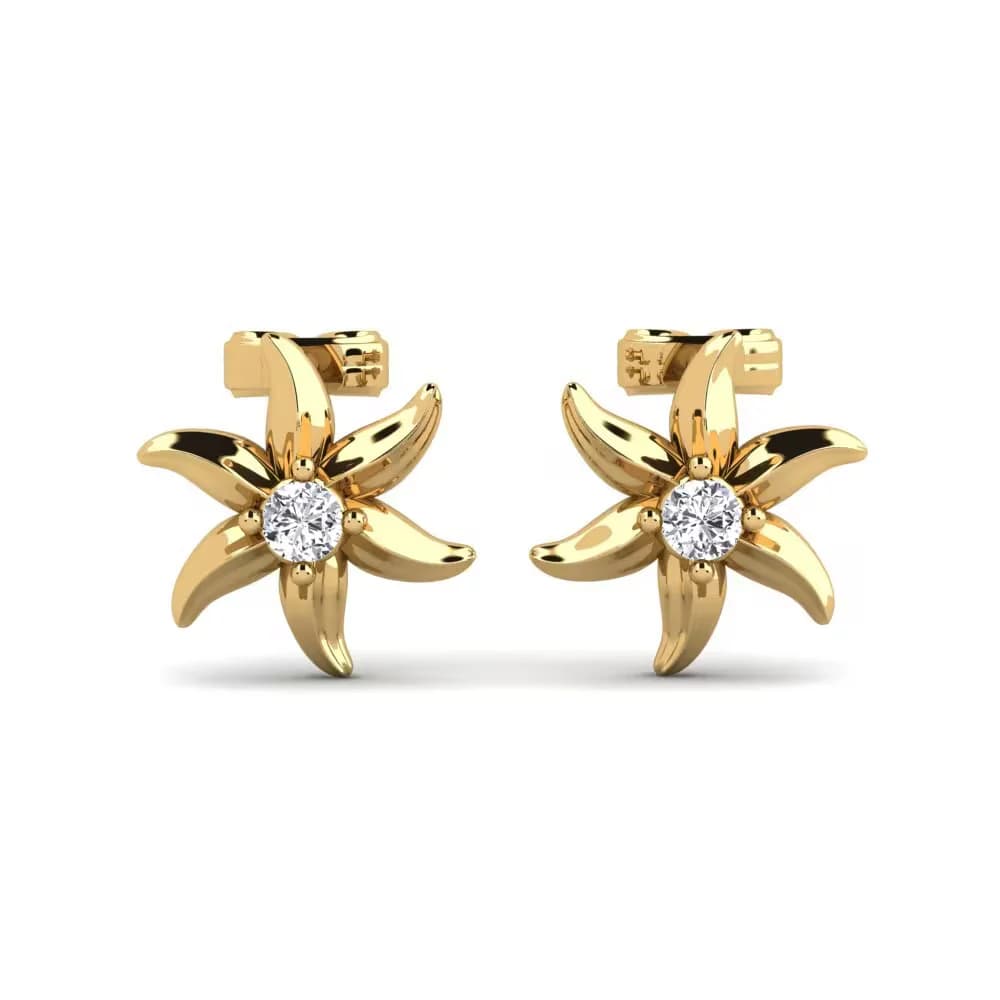
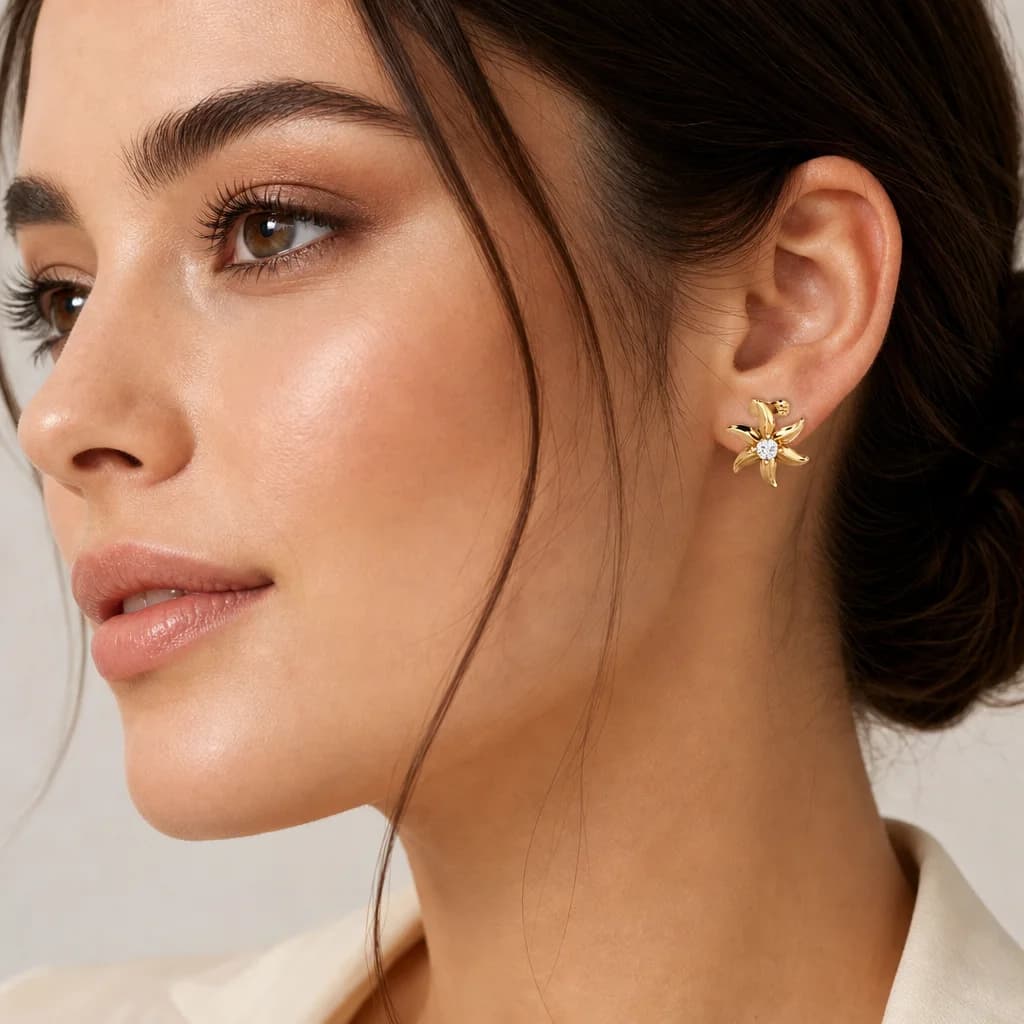
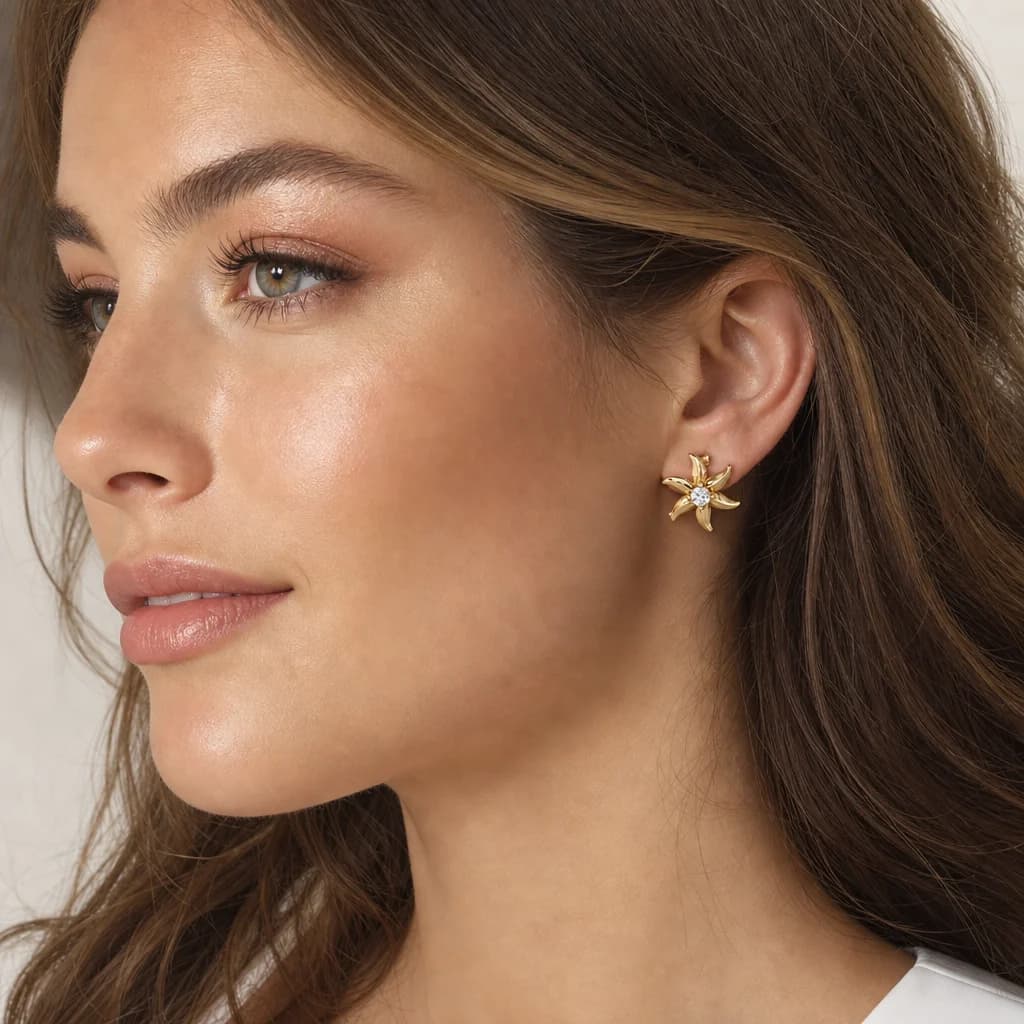
Jewelry is the hardest category to photograph. Tiny pieces need macro lenses and careful lighting to catch the sparkle; metal tone and stone color have to be exact or returns follow; and on-model shots — a ring on a hand, earrings on an ear — usually need a hand model and a studio. It's slow and costly for pieces that often sell in small batches.
imagvero turns one photo into a full set. From a single shot, get on-model frames, macro detail and clean white-background catalog images in minutes. The metal tone, gemstone color, cut and finish come straight from your photo, so the listing matches the piece in the box — down to the sparkle.
What you can create
On-model shots
See the piece worn — a ring on a hand, a necklace at the collar, earrings on an ear — for scale and styling.
Macro & sparkle detail
Close in on stones, settings and engraving so the craftsmanship and brilliance are unmistakable.
White-background catalog
Clean, even product shots that meet marketplace requirements — the background is forced to exactly RGB 255, so nothing bounces for an off-white sweep.
Lifestyle scenes
Style the piece in a considered setting that signals where and how it's worn.
Collection sets
Generate a consistent set across a collection so every piece sits together on the page.
How it works
- 01
Upload one photo
JPG, PNG, WEBP or AVIF up to 25 MB. Any background works — whatever is behind your product is replaced, not cut around.
- 02
Pick a shot type
White background, on-model, lifestyle or close-up — your product category is detected and the output is tuned to it.
- 03
Download in minutes
Get up to four variations per request, ready for your site, ads, or marketplaces.
Why imagvero for Jewelry
True to the piece
Metal tone, stone color, cut and finish are preserved from your photo — accuracy that cuts returns.
Macro and on-model in minutes
Skip the macro rig and the hand model; detail shots and worn shots are ready the same day.
One credit per image
A single credit per shot replaces specialist jewelry-photography fees, at any catalog size.
Selling something else?
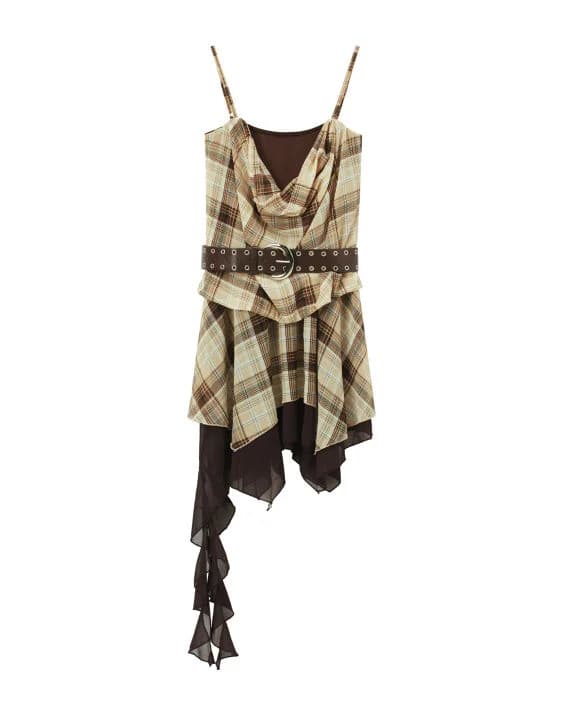
Jewelry is just one example — imagvero works with any product you sell: accessories, home goods, electronics, beauty and more. Upload yours and see.
Try it with your productQuestions, answered
Will the metal tone and stone color be accurate?
Yes. imagvero carries the metal tone, gemstone color, cut and finish from your source photo, so the listing matches the actual piece — which matters for keeping returns down.
Can it capture small details and sparkle?
From a clear source photo, imagvero generates macro-style close-ups that bring out stones, settings and engraving with realistic brilliance.
Can I get a ring on a hand or earrings on an ear without a model?
Yes. imagvero can place the piece on a hand, ear or neckline in natural poses — no hand model or studio needed.
Do you produce white-background catalog images?
Yes. You can generate clean, even white-background shots that meet marketplace requirements, alongside on-model and lifestyle frames.
Can I use the images for ads and marketplaces?
Yes — on every plan, including Free. You get a commercial licence for the generated images, downloads carry no watermark, and export presets size each one for Etsy or Amazon.

Jewelry photos with the sparkle intact
Upload one photo of a ring, necklace or pair of earrings. imagvero generates on-model shots, macro detail and clean catalog images that keep your exact metal tone, stones and finish.
Create your first image free