One Phone Photo, a Whole Set of Product Images
A snapshot of a pair of sneakers on a desk becomes a white-background catalogue shot, an on-model image and a daylight lifestyle scene — in about a minute, with no studio and no photographer.
Here is the photo we are starting from. Red canvas sneakers on an office desk, shot on a phone, with a reflection in the glass and a laptop edge creeping into the corner.
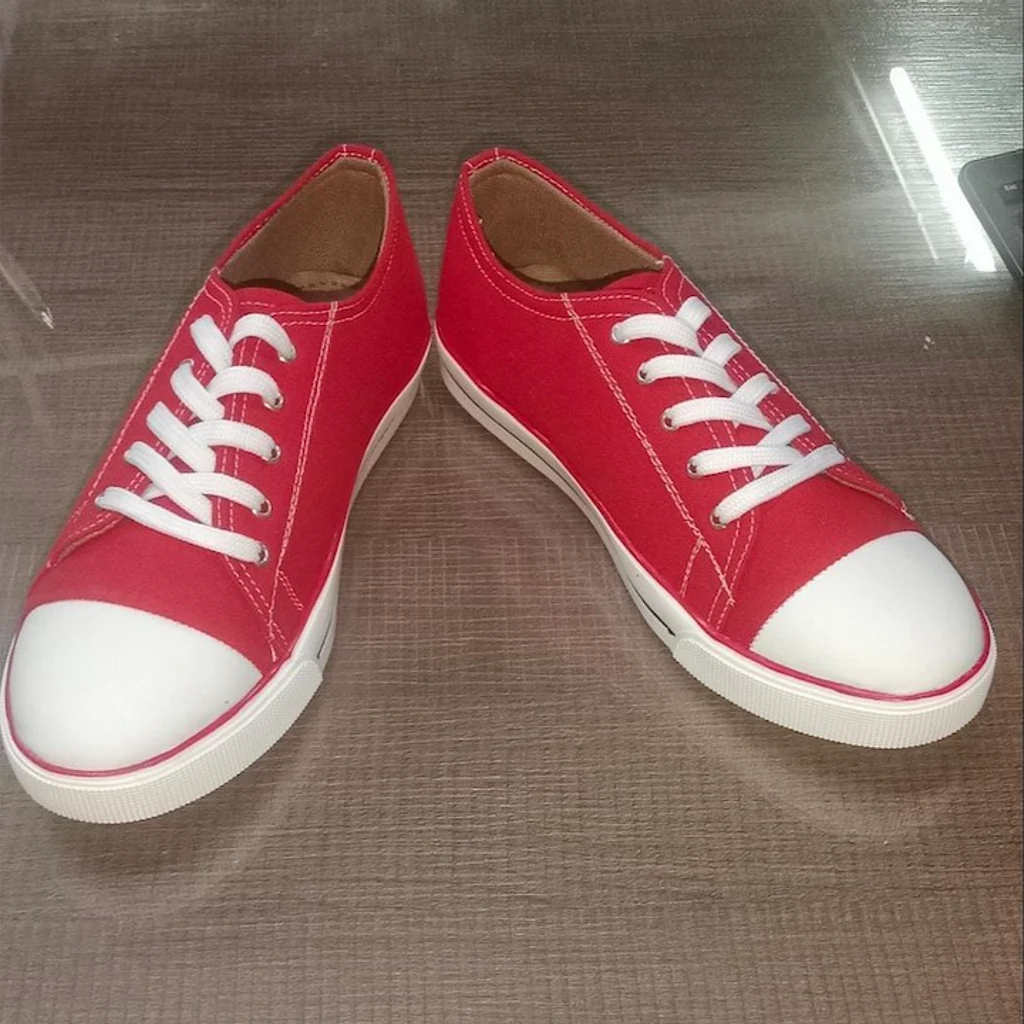
It is the kind of picture every small seller already has and nobody wants to publish. What follows is what it became, and what you actually have to do.
Upload the photo
Drop it in. Any background works — a desk, a floor, a shelf — because the product gets isolated from whatever it was sitting on.
The moment the upload lands, the product is identified. In this case it came back as sneakers, which is right; when it is not, you can edit it or ask for another look. That label matters more than it appears: it is what keeps the scene sensible, so shoes end up on a floor rather than floating at eye level.
Pick a scene
Then you choose the kind of picture you want.
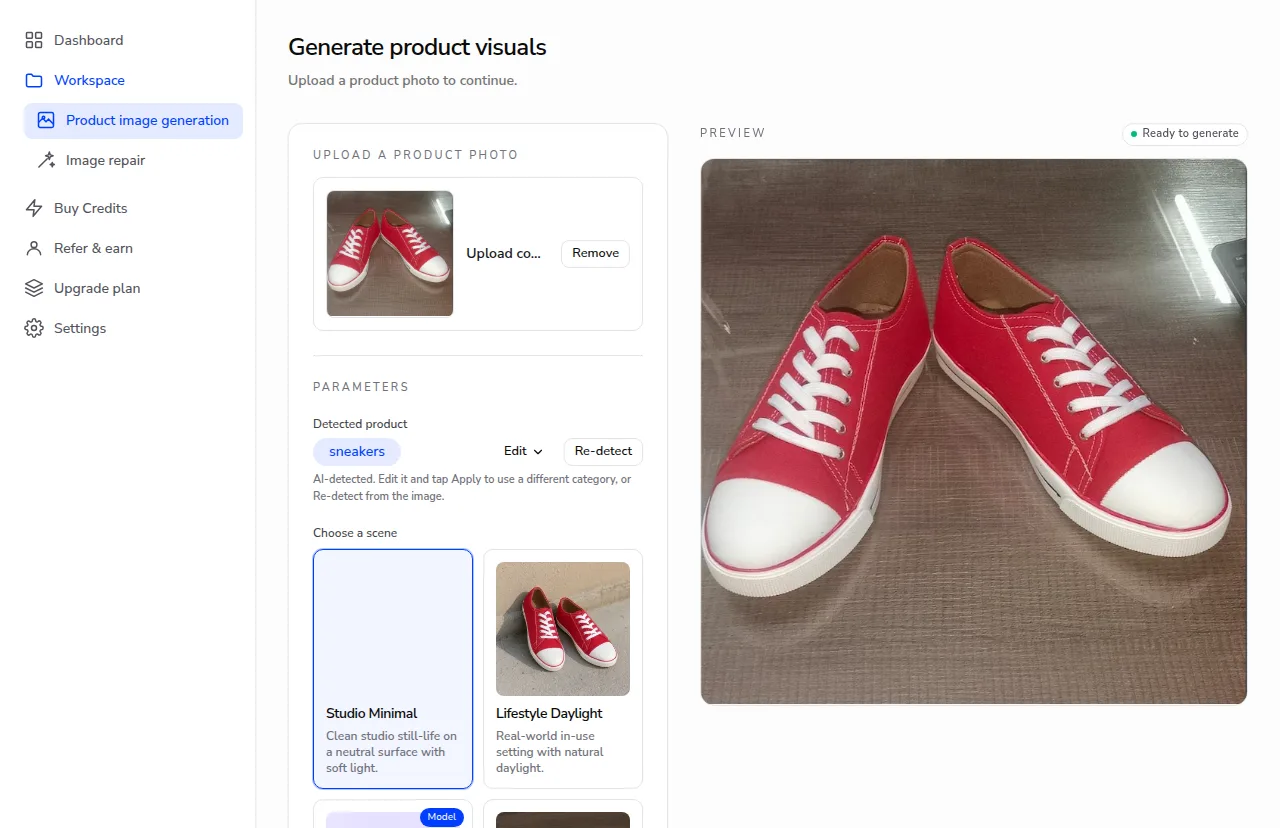
Each run makes one image and costs one credit, so you pick a scene, generate, and pick another. There is a style hint field too, for when you want a particular mood — soft daylight, magazine finish — but it is optional, and none of what follows used it.
We ran three.
What came back
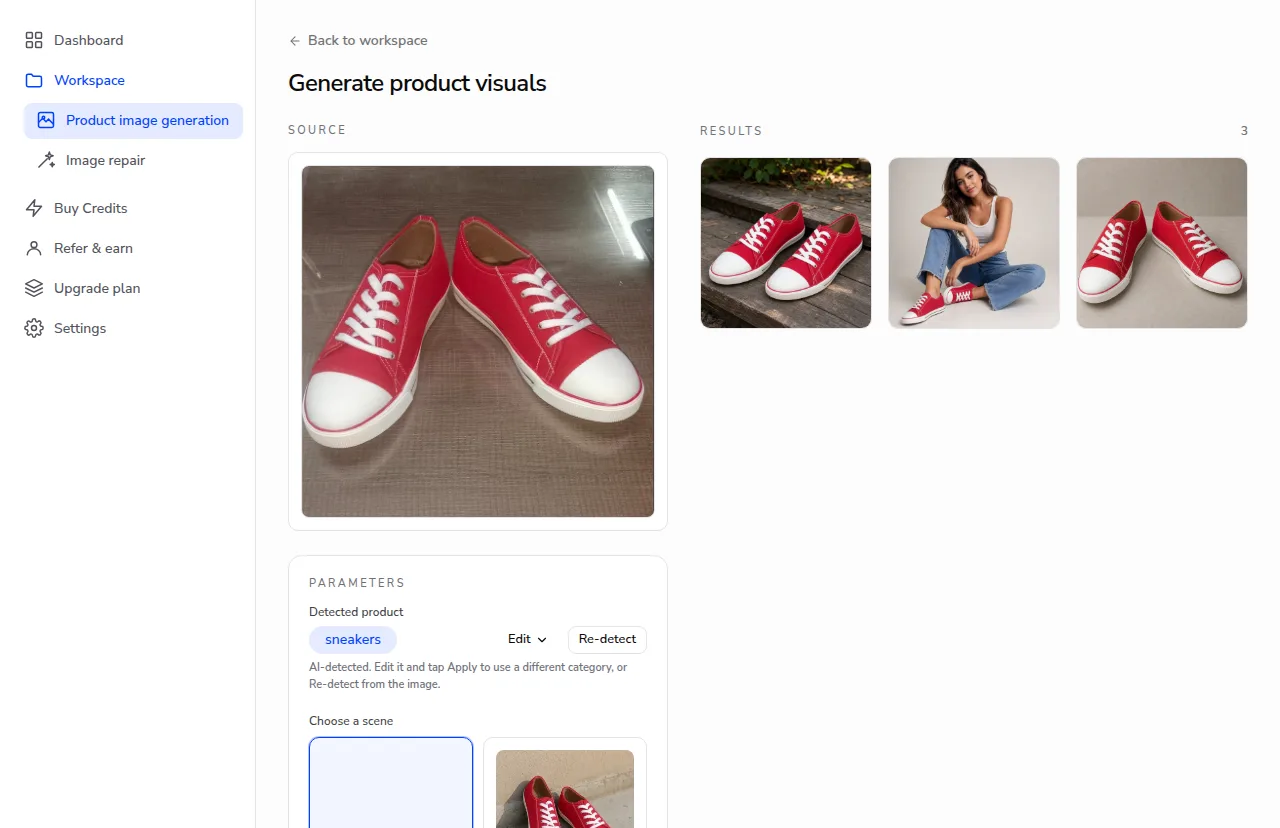
Studio Minimal — the clean, neutral-background shot. This is the one marketplaces want: no distractions, product centred, even light. If you only make one image from a product, make this one.
Model Editorial — the shoes worn, in an editorial pose. This is what answers the question a flat catalogue shot cannot: how does it look on a person, what does it go with, how big is it really. No model booking, no shoot day.
Lifestyle Daylight — the sneakers on wooden steps with greenery behind them, in natural light. This is the one for a homepage banner, an ad, an Instagram post. It sells a feeling rather than a specification.
Same shoes in all three. The white toe cap, the red canvas, the stitching, the flat white laces — carried through from a photo taken on a desk under office lighting.
Then take it somewhere
Open any result full size to look at it properly.
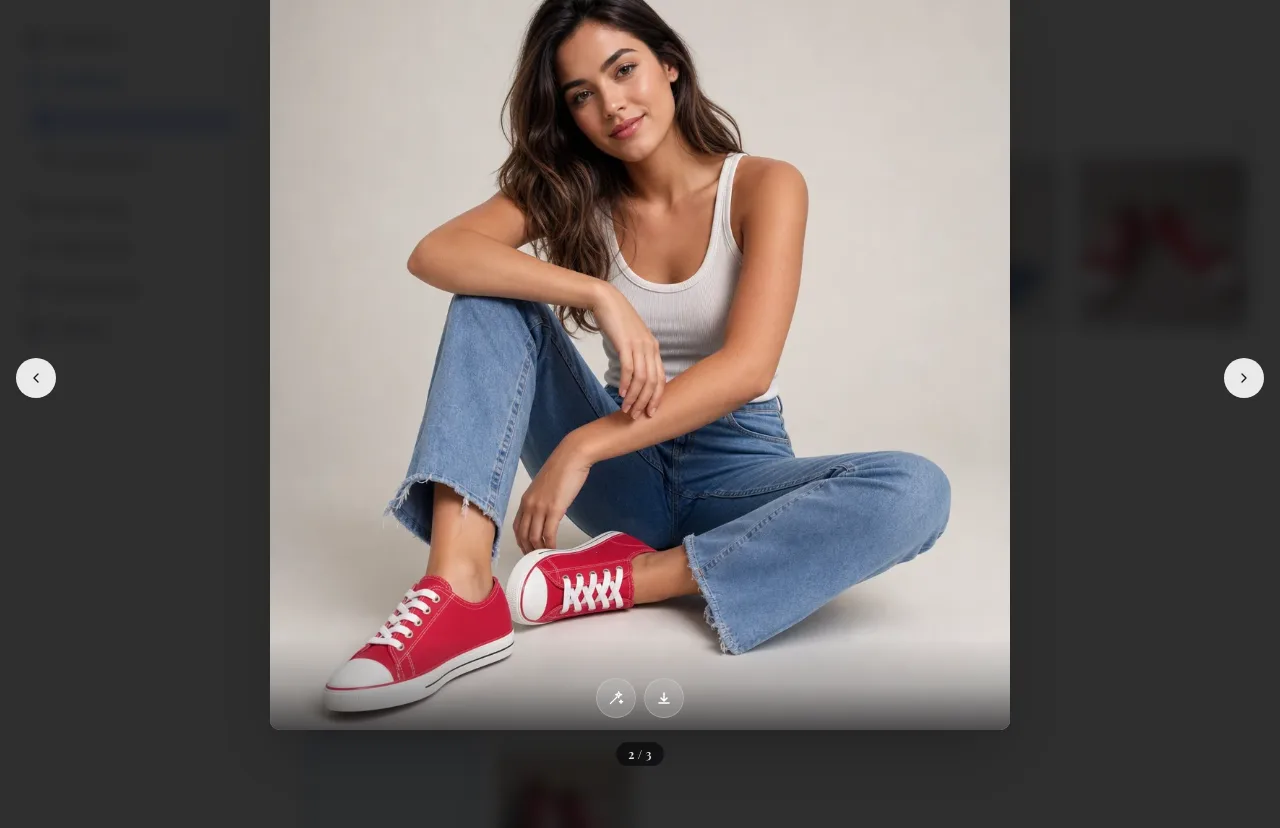
From there you can download it — as the original, or rendered to the spec a particular marketplace demands, which saves the round of resizing and re-exporting that usually follows. And if one corner of an otherwise good image went wrong, you can repair just that part rather than generating the whole thing again.
What actually matters in the source photo
You do not need a good photo. You do need an honest one.
Show the whole product, in focus, without anything covering it. Even, ordinary light beats dramatic light — a window or an overhead lamp is fine. Avoid heavy filters and anything that changes the colour, because the colour in your photo is the colour that will be carried into every scene.
What you can ignore: the background, the surface, the clutter around it, whether it is straight. The desk in our starting photo had a reflection across it and a laptop in the corner. None of that survived.
The point
A product photo shoot is a day of work and a bill to match, and it produces one set of images in one style. This is a phone snapshot and a minute, and each scene is a separate decision you can make again tomorrow when you need something different.
Start with the picture you already have.
Turn one photo into a full set
Upload a single product photo and get studio-quality scene, model and close-up images in seconds.
Try imagvero free